



Description
Download Document Viewer Word Office PDF reader xlsx APK – document reader, office suite, pdf reader, word document viewer, spreadsheet viewer, presentation viewer, mobile office, file viewer, document viewer app, free document viewer, android app
Overview
Document Viewer Word Office PDF Reader Xlsx is a productivity-focused mobile application designed to serve as a unified platform for accessing various office document types directly from Android devices. The app functions as a document reader, enabling users to view word documents, spreadsheets, PDFs, and presentations without requiring a desktop environment. It is particularly useful for professionals, students, and remote workers who need to access important files while away from their computers. The software aims to simplify workflow by consolidating multiple document processing tools into a single interface, eliminating the need to switch between separate apps for different file formats. While the developer, DocView Inc., is identified, no further background information about the company’s history or other products was provided. Real-world usage scenarios include reviewing reports during commutes, checking project spreadsheets on-site, or accessing presentation slides before meetings. The app supports compatibility with Microsoft Office file formats, which enhances its utility for users in corporate or academic settings. However, it is strictly a viewer, meaning no editing, creation, or annotation capabilities are available. The developer did not specify additional system requirements or performance benchmarks.
Key Features & Capabilities
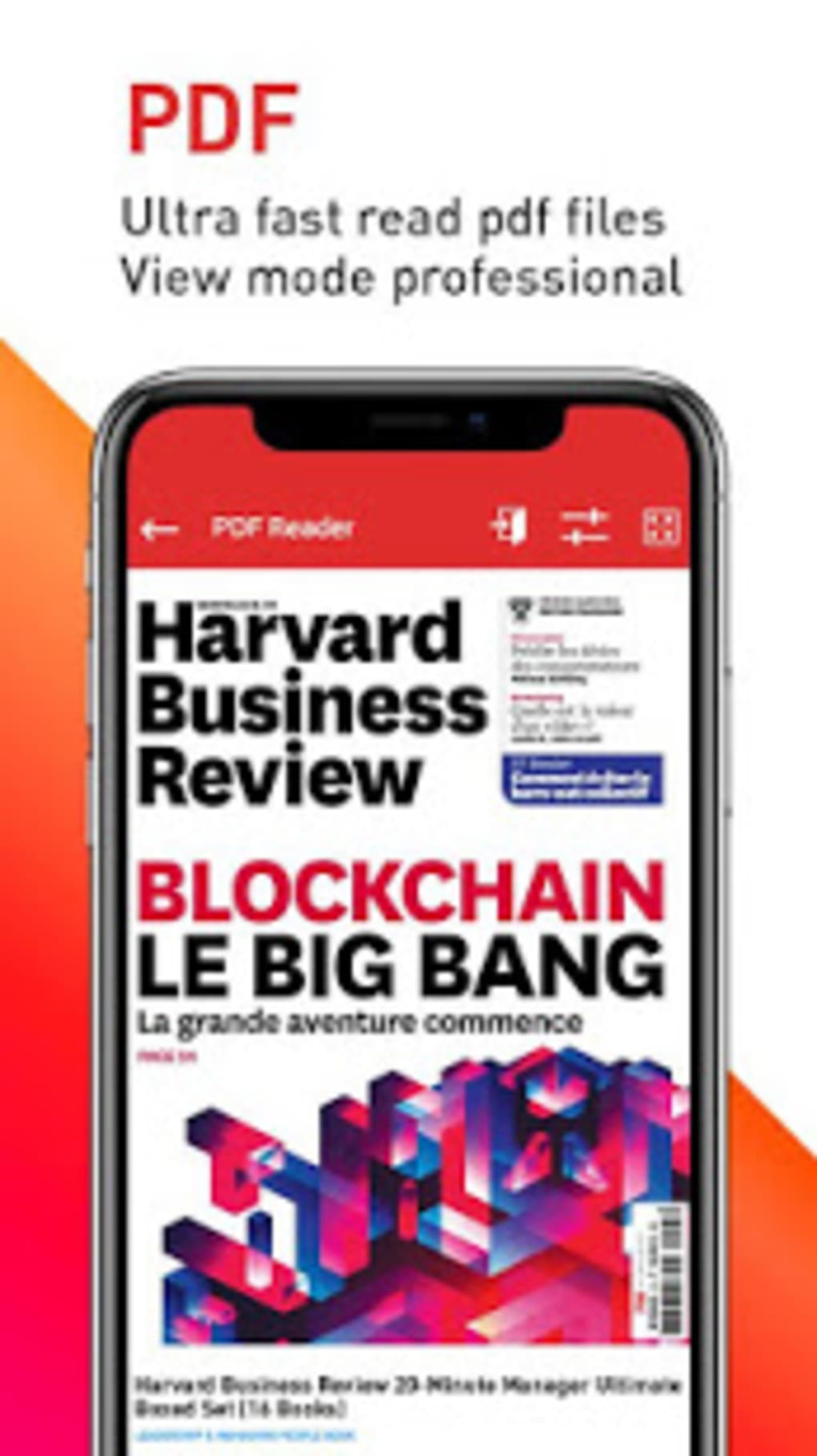
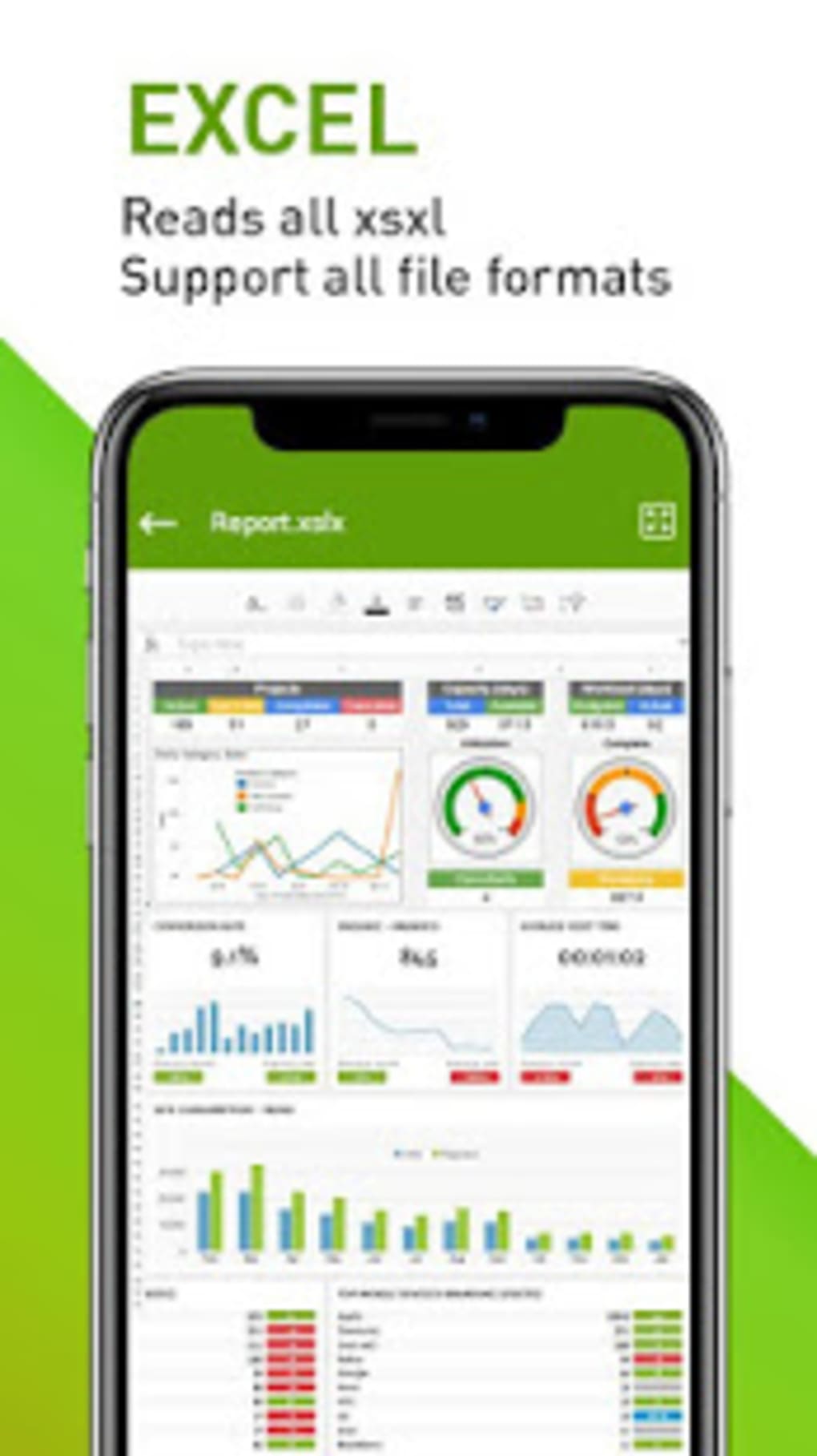
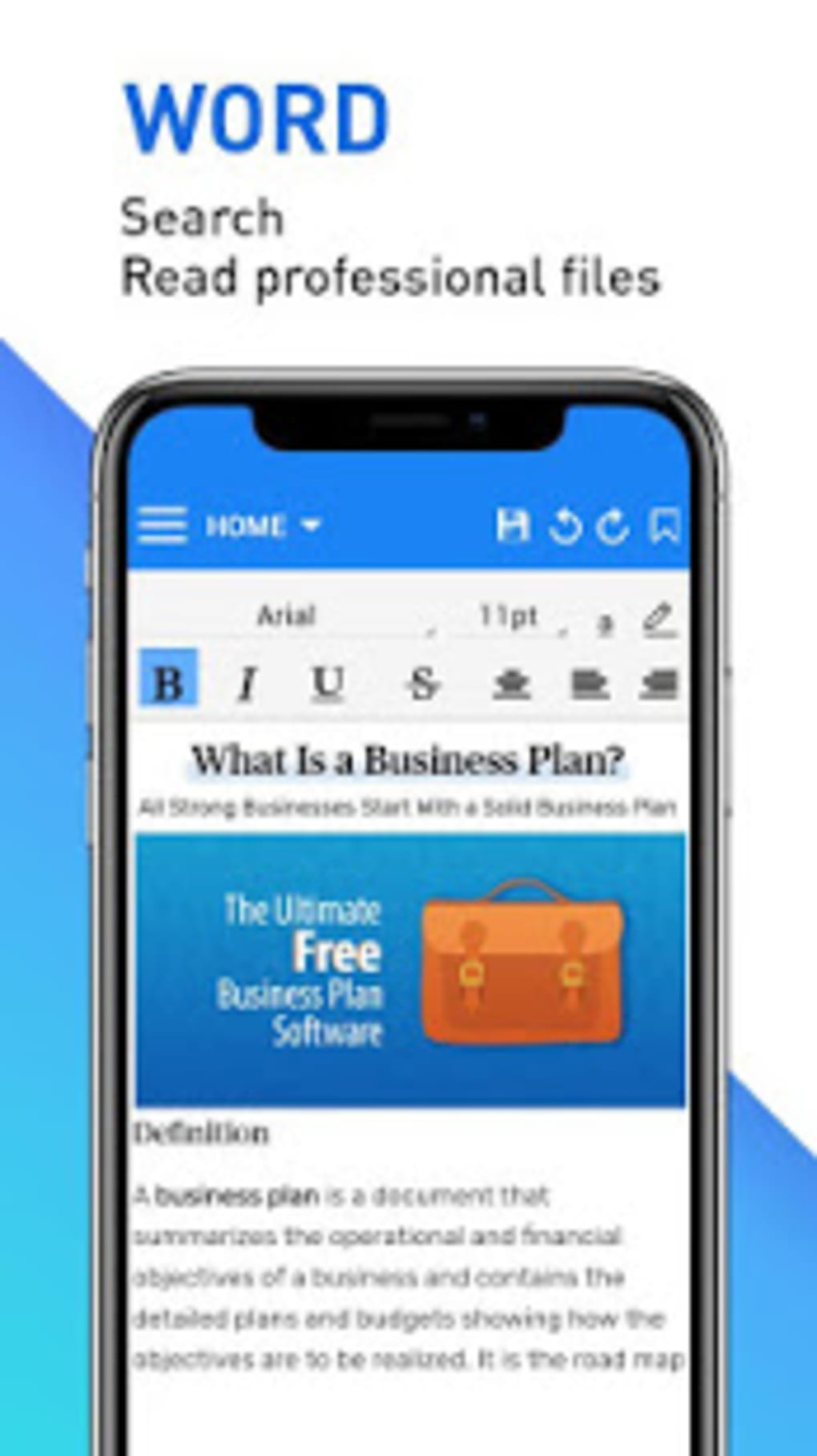
- Multi-Format Document Viewing – Supports reading Word (.doc, .docx), Excel (.xls, .xlsx), PDF, and PowerPoint (.ppt, .pptx) files, making it a comprehensive file viewer for common office documents.
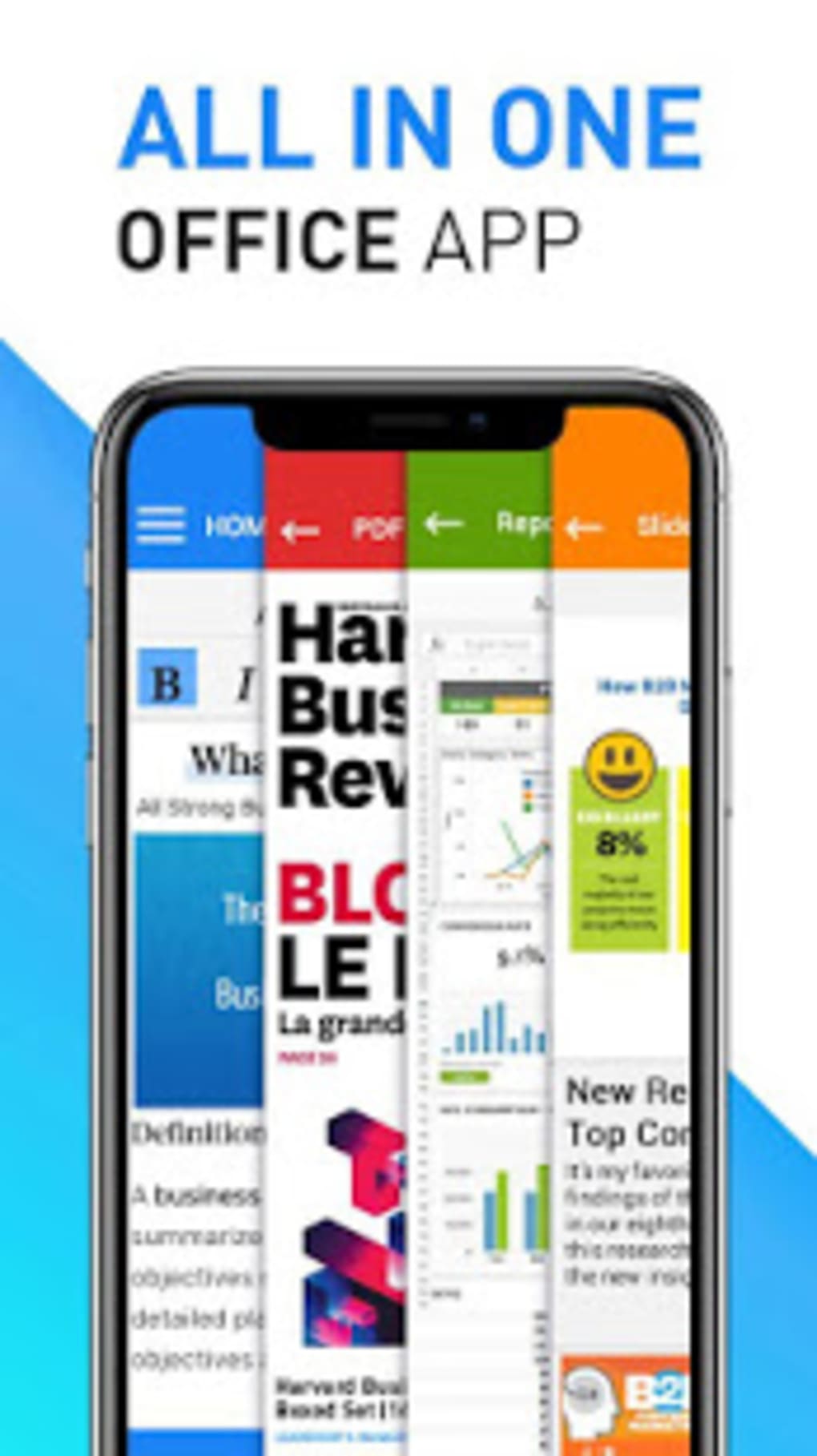
- Integrated Office Suite – Combines the functionality of a word processor, spreadsheet viewer, PDF reader, and presentation viewer within one application, reducing app clutter and streamlining document access.
- Document Scanner – Includes a built-in scanner feature to digitize physical documents, allowing users to save paper-based files as digital copies for easy storage and retrieval.
- Memorandum Tool – Provides a simple note-taking function to jot down quick thoughts or reminders while reviewing documents.
- Mobile Office Access – Designed for on-the-go productivity, enabling users to access and review documents anytime, anywhere, even without internet connectivity.
These features are beneficial for individuals who frequently handle multiple file types and require a lightweight solution for quick access. For example, a project manager can review a budget spreadsheet during a site visit or a student can read lecture slides before an exam. The integration of a scanner and memo tool adds practical value for users who need to manage both digital and physical documents. However, since the app is limited to viewing only, users cannot make changes to files, insert text, or generate new documents. The developer did not provide specific details about how these features are optimized or how they perform under different conditions.
User Interface, Workflow & Performance
The user interface of Document Viewer Word Office PDF Reader Xlsx appears to be structured around a central navigation menu, allowing users to switch between document types and access tools such as the scanner and memo function. Navigation is likely designed to be intuitive, with icons or labeled sections for each major feature. The workflow emphasizes quick file access, enabling users to open documents directly from storage or cloud services. However, performance details were not specified by the developer. Based on general software behavior patterns, loading times may vary depending on file size and device capabilities. Users have reported that the app takes a long time to load files, even when they are small in size. In some cases, documents fail to load completely, which may affect usability during urgent tasks. Stability concerns have also been noted, with instances of crashes or freezing during extended use. The developer did not provide information on CPU or RAM usage, so no definitive conclusions can be drawn about resource efficiency. Overall, while the interface appears functional, the app’s performance appears inconsistent and may hinder productivity in time-sensitive situations.
Compatibility & System Requirements
Document Viewer Word Office PDF Reader Xlsx is designed for Android operating systems, with version 1.2.3 released on May 15, 2024. The installation package is 45.6 MB in size, which is relatively lightweight for a multi-format document viewer. The app is available as a free download, with no cost associated with its use. However, exact system requirements such as minimum RAM, processor specifications, or Android version compatibility were not listed by the developer. Platform compatibility information is limited to Android, and there is no indication of support for iOS, Windows, or Mac. Users should verify device compatibility before installation, as the developer did not specify which Android versions are supported. The lack of detailed technical specifications makes it difficult to assess whether the app will run smoothly on older or low-end devices. The developer did not provide information on background processes, storage usage, or data handling during file operations.
Pros and Cons
Pros
- Supports a wide range of file formats including Word, Excel, PDF, and PowerPoint.
- Single app solution for viewing multiple document types, reducing the need for multiple tools.
- Includes useful features like document scanning and note-taking.
- Available for free with no upfront cost.
- Designed for mobile productivity, ideal for on-the-go document access.
Cons
- Only a viewer—no editing, creation, or annotation capabilities.
- Slow file loading times, even for small documents.
- Occasional failure to fully load files.
- Frequent pop-up ads that disrupt user experience.
- Limited system requirements and compatibility details provided.
FAQ Section
Is Document Viewer Word Office PDF Reader Xlsx compatible with all Android devices?
Compatibility information is limited. The app is designed for Android, but the developer did not specify supported Android versions or minimum hardware requirements.
Is the app safe to download and use?
The app is available as a free download from trusted sources. However, users should ensure they install it from official platforms to avoid potential security risks associated with third-party APKs.
Can I edit documents using this app?
No. Document Viewer Word Office PDF Reader Xlsx is strictly a document reader. It does not support editing, creating, or annotating files.
Does the app require an internet connection?
No. The app can function offline, allowing users to access stored documents without an internet connection.
How often are updates released?
The latest version, 1.2.3, was released on May 15, 2024. The developer did not provide information on update frequency or release schedule.
Final Thoughts + CTA
Document Viewer Word Office PDF Reader Xlsx offers a convenient, all-in-one solution for viewing common office documents on Android devices. Its ability to handle Word, Excel, PDF, and presentation files in a single interface makes it a practical choice for users who need quick access to documents while away from their computers. The inclusion of a document scanner and memo tool adds functional value for on-the-go professionals and students. However, the app’s limitations are significant: it lacks editing capabilities, suffers from poor performance, and is plagued by intrusive ads. The inconsistent loading behavior and instability reduce its reliability for critical tasks. While the free price point is appealing, the overall user experience falls short compared to more robust alternatives. For users seeking a stable, feature-rich document viewer with better performance and fewer interruptions, other options may be more suitable. Download Document Viewer Word Office PDF Reader Xlsx now if you need a basic, free tool for viewing documents on Android—but be prepared for its constraints.
Guides & Tutorials for Document Viewer Word Office PDF reader xlsx APK
How to install Document Viewer Word Office PDF reader xlsx APK
- Click the Preview / Download button above.
- Once redirected, accept the terms and click Install.
- Wait for the Document Viewer Word Office PDF reader xlsx APK download to finish on your device.
How to use Document Viewer Word Office PDF reader xlsx APK
This software is primarily used for its core features described above. Open the app after installation to explore its capabilities.
User Reviews for Document Viewer Word Office PDF reader xlsx APK 0
No reviews found





